Free POS Softwarefor Small Businesses
Accept payments, manage orders, and sell online — no subscriptions, no contracts, no hardware required.
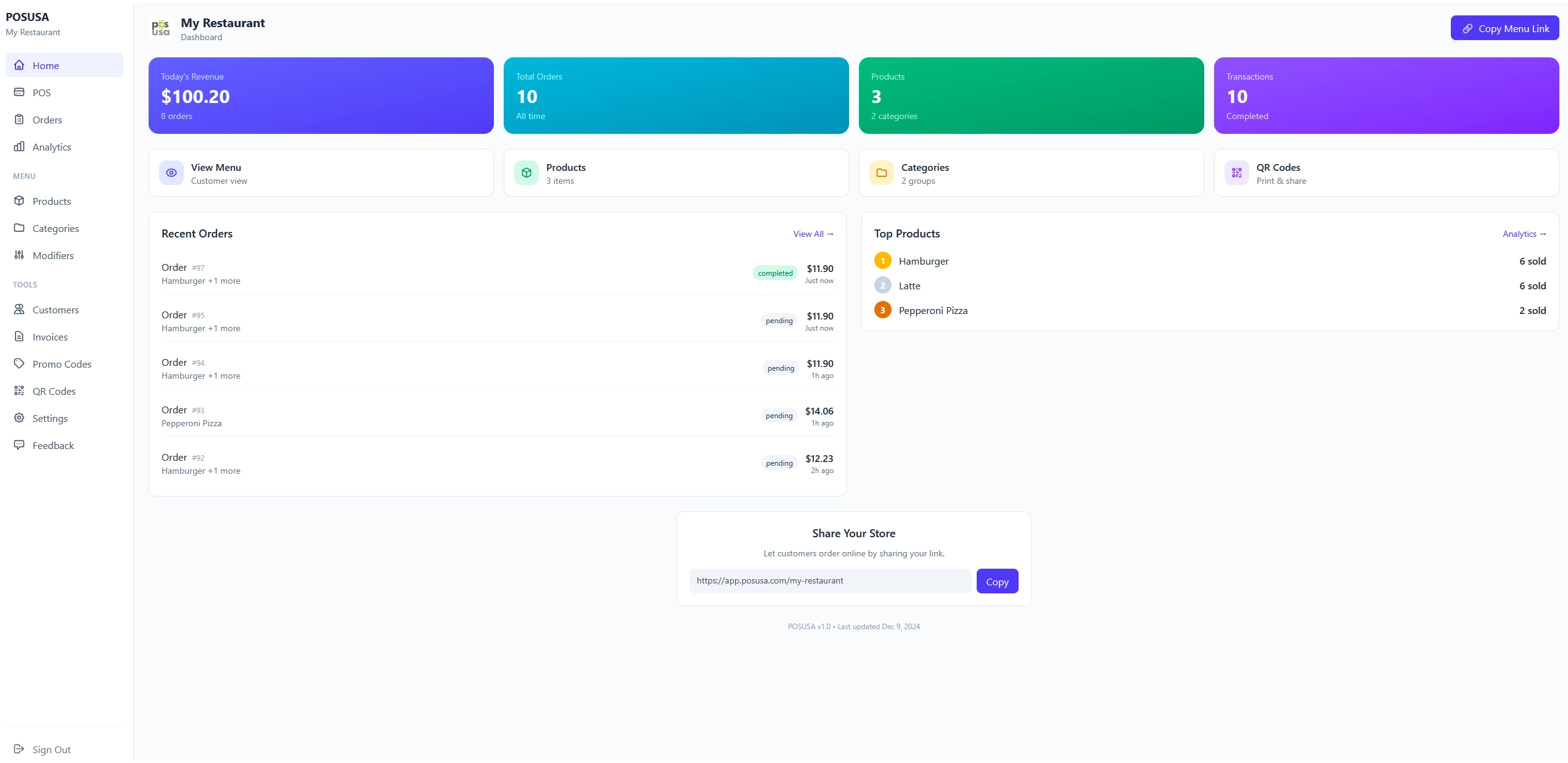
Everything you need to sell online and in-person
$0
Monthly fees
Free
Online store
5 min
Setup time
24/7
Online ordering
From the team behind POSUSA.com
We've reviewed hundreds of POS systems.
Now we built our own.
Since 2011, POSUSA has helped thousands of businesses find the right point of sale system. We took everything we learned and built the POS we wished existed — simple, affordable, and built for small business.
Up and running in minutes
No complex setup. No waiting for hardware. Just sign up and start selling.
Create your store
Sign up free, add your products, set your prices. Your online menu is ready instantly.
Set up payments
Connect a payment account to accept cards. Funds go directly to your bank.
Start selling
Use the POS, share QR codes, or send payment links. Accept payments anywhere.
Everything you need to run your business
Professional features without the professional price tag.
Free Online Store
Get your own website with online ordering. Customers can browse your menu, order, and pay online 24/7.
AI Menu Builder
NEWUpload a photo or PDF of your existing menu and let AI build your digital menu in seconds. Add product images instantly with AI-powered search.
QR Code Payments
Customers scan, order, and pay from their phone. No app download required.
Full POS System
Ring up sales, track inventory, manage orders. Works on any device.
Tips & Gratuity
Built-in tipping at checkout. Customizable tip amounts for your business.
Cash & Card Payments
Accept cash at the register or card payments online. Your choice.
Built for US Businesses
Card payments through POSUSA are available to US businesses. Price your menu in USD or 30+ other currencies for cash sales.
Real-Time Dashboard
Track sales, revenue, and trends. Know how your business is doing instantly.
Email Receipts
Automatic email receipts for every transaction. Professional and paperless.
Promo Codes
Create discounts to drive sales. Percentage or fixed amount off.
Product Modifiers
Add sizes, toppings, extras. Perfect for restaurants and customizable products.
Order Notifications
Get notified instantly when orders come in. Never miss a sale.
Card Fee at Checkout
Cover card fees with a small checkout fee. Cash customers pay the listed price.
Simple, honest pricing
No monthly fees. No hidden costs. Just payment processing.
POSUSA is
forever
Card customers pay a small fee you set. Cash customers pay the listed price.
Card customers help cover processing costs
Card processing 2.9% + POSUSA 1%, your choice
You choose how to handle fees. Add a small card fee at checkout, or turn it off and cover processing yourself.
Why businesses switch to POSUSA
Stop paying monthly fees for basic features
POSUSA | Square | Toast | Clover | |
|---|---|---|---|---|
| Monthly Fee | $0 | $0-$149 | $0-$69+ | $0-$129.85+ |
| Your Processing Cost | Paid by customer* | 2.6% + $0.15 | 2.49% + $0.15** | 2.3% + $0.10 |
| Hardware Required | No | Optional | Yes | Yes |
| Free Online Store | Free (3.3% fee) | Add-on | Included in restaurant plans | |
| QR Code Ordering | Add-on | Add-on | Add-on | |
| Contract | None | None | 2-3 years | Varies |
| Setup Time | 5 minutes | 1-2 days | 1-2 weeks | 1-2 weeks |
*With the card fee enabled, card customers pay a 4% fee at checkout. You can also choose to pay processing yourself (~3.9% + 30¢).
**Toast's 2.49% rate requires its $69/mo plan; the $0 plan is 3.09%. Square plans are priced per location. Competitor pricing checked against vendor sites.
Comparing free POS options? Our guide at FreePOSSystem.com breaks down which ones are actually free.